
Inbound
The Inbound feature in Planufac allows you to efficiently receive goods against a Purchase Order (PO) by scanning barcodes, ensuring accurate quantity updates and seamless inventory management.
Opening a Purchase Order for Receiving

To begin receiving items for a specific order:
-
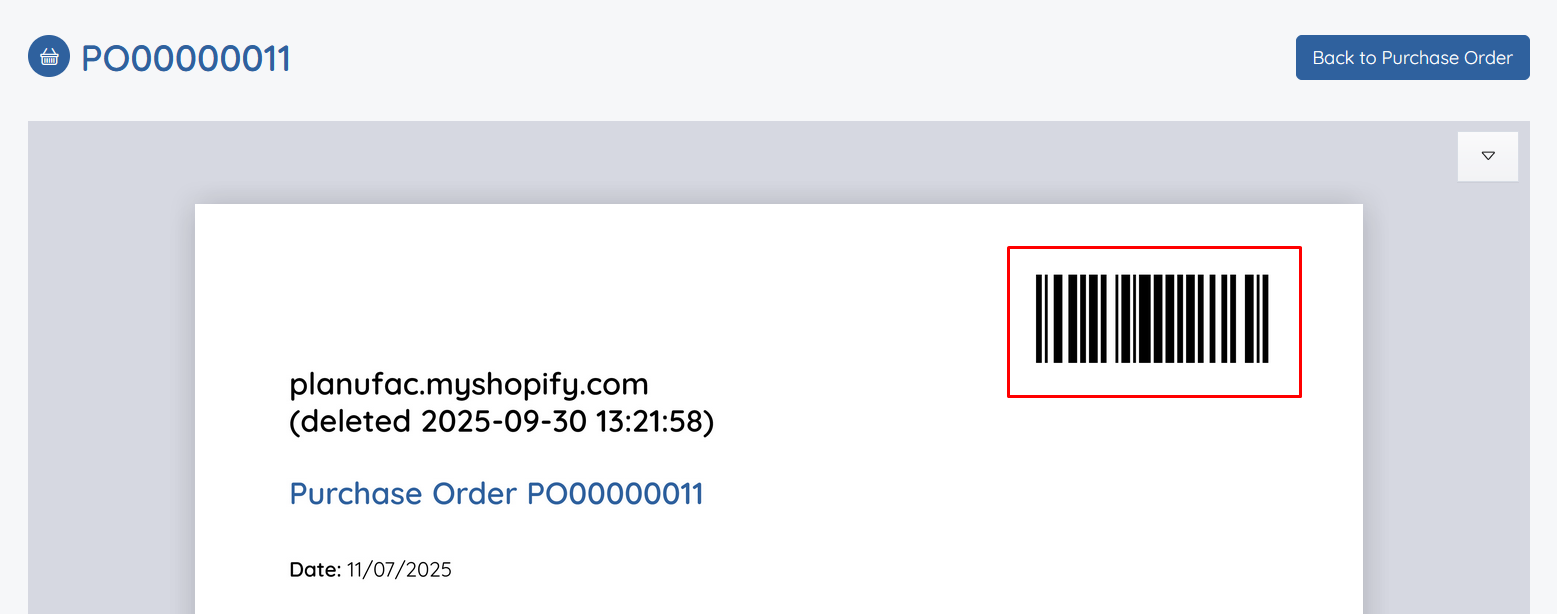
First, print the Purchase Order document. This PO will include a unique order barcode for quick identification.
-
Navigate to the Inbound screen in Planufac.

-
Scan the order barcode from the printed PO. This will automatically open the corresponding Purchase Order, ready for receiving.
Scanning Products
Once the PO is open:
-
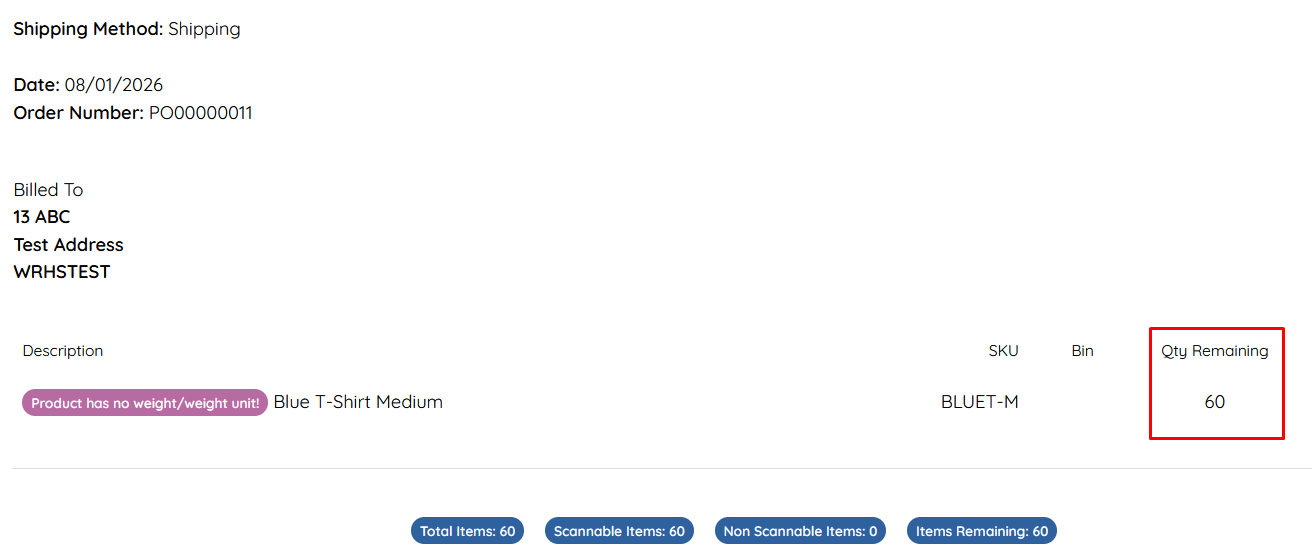
Begin scanning individual product barcodes. Each successful scan will update and mark off the received quantity against the expected amount in the PO.
- For faster processing with bulk packaging:
- If you have configured barcodes for outer boxes (e.g., containing 30 single units), scan the outer box barcode to receive multiple units at once.
- Similarly, scan master box barcodes (e.g., containing 300 single units) to receive larger quantities efficiently.
This barcode-driven approach minimizes manual entry errors and speeds up the receiving process.
Completing the Purchase Order
- Continue scanning until all expected quantities are received and zeroed out.
- Once the full PO quantity is accounted for, the order will automatically close and be marked as Received.
This completes the inbound process, updating your inventory levels accurately in real-time.
If you encounter any issues contact support.